How I Automated Multilingual ASO Screenshots with AI Agents
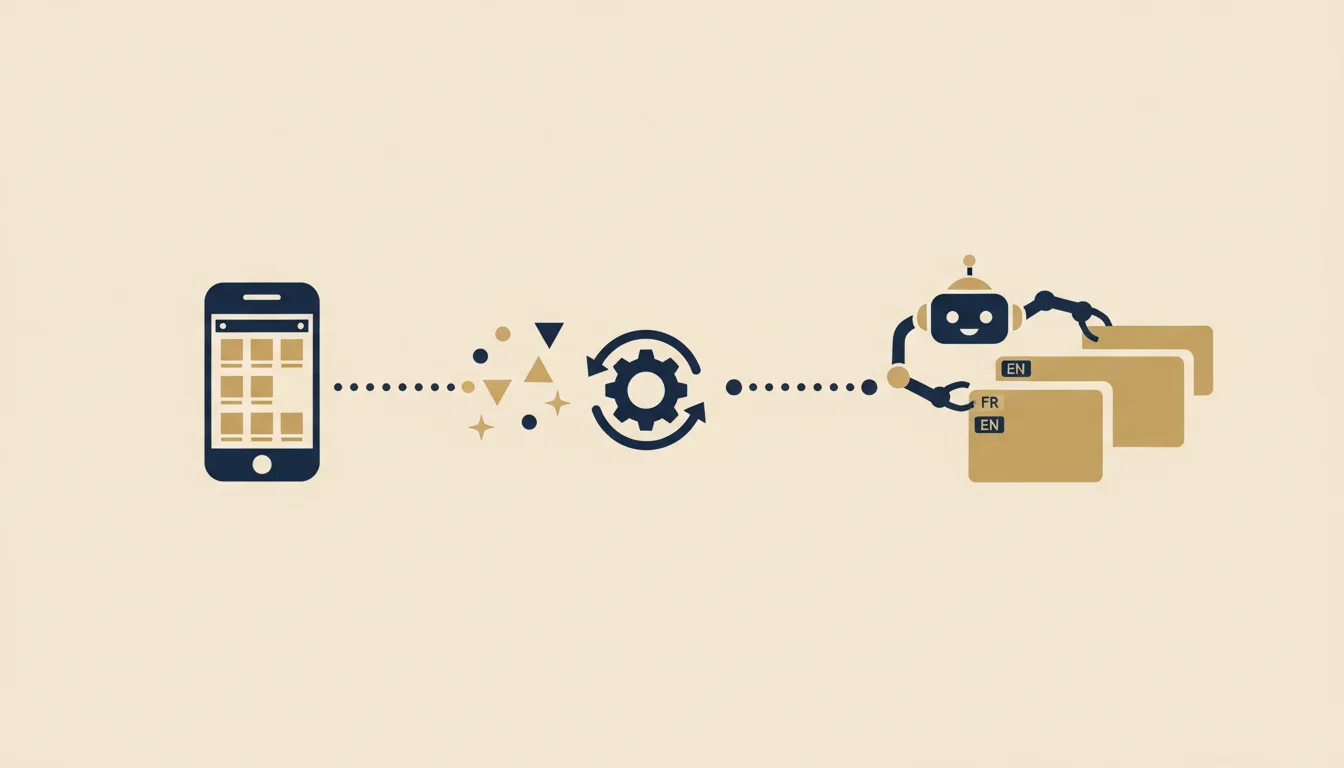
For the longest time, App Store screenshots were one of those tasks I kept pushing back.
Not because it’s technically hard. More because it’s the kind of work that quietly eats your day without you noticing. You start thinking “I’ll just knock out 6 screens” and an hour later you’re still nudging text, re-running an export, renaming files, then doing the exact same thing in another language.
At some point, I stopped seeing it as a design task. I started seeing it as a systems problem.
And that changed everything.
The real problem was never the screenshot
What was draining me wasn’t capturing screens. It was everything around it:
- finding the right screens
- remembering the correct format
- handling multiple sizes
- handling multiple languages
- putting exports in the right folder
- replacing old files without breaking Fastlane
- fixing layout issues when text overflows or gets clipped
The screenshot itself takes 2 seconds. The process around it drains your brain.
When you have one app, you can get away with doing it by hand. When you start juggling multiple products, multiple stores, multiple iterations, it becomes a time trap.
My goal
I wanted a system that could do 4 things:
- Start from the real product, not some invented mockup
- Output the correct formats without me remembering the specs
- Reuse the same logic across multiple languages
- Handle the technical plumbing without dragging me back into it manually
In other words, I didn’t want “a prompt that generates a pretty image.” I wanted a production pipeline.
The mental shift: treating it as infrastructure
The switch was simple.
Instead of thinking:
I need to make screenshots
I started thinking:
I need to build a repeatable workflow for screenshots
It’s a subtle difference, but it changes everything.
When you think “task,” you optimize to finish fast. When you think “system,” you optimize to never rethink the same thing two weeks later.
The stack i use today
I broke the problem into several layers.
1. Product context (already there)
Each app in my workspace has a product sheet: positioning, key features, visual style, target audience. It’s the same file every agent uses for marketing, SEO, ASO, I didn’t write it specifically for screenshots.
The agent reads that context, and from there it decides on its own:
- which screens to capture
- what marketing copy to put on the slides
- how many slides to produce
- which formats to export
- where to put the output files
I didn’t write a screenshot brief. The agent has the product context, it has the skill, and it figures out the rest. That’s the whole difference with a manual process where you have to specify everything each time.
2. a dedicated ASO workflow skill
This is the most important part.
When I ask for ASO screenshots, I want the agent to automatically understand:
- we’re using the screenshot workflow
- we start from the intended renderer or the web app
- we’re targeting a real store format
- we don’t go off on a freestyle image generation tangent
It seems obvious in hindsight, but if you don’t spell it out, an agent might take a shortcut that’s “technically acceptable” but completely wrong for your intent.
That’s exactly what happened to me on Muse Otter early on.
The Muse Otter case: right size, wrong device
I wanted 6 iPad screenshots.
The first export had the right iPad dimensions. Except the renderer was still using an iPhone mockup. So I had files that looked correct on paper, but visually it was all wrong.
It’s the kind of detail that seems small if you only look at the output folder. In practice, it ruins everything.
I could have said “good enough.” But that’s exactly where the agentic approach matters: if a piece is wrong, you fix the piece. You don’t paper over the result.
So I had the renderer corrected to add a proper iPad mode. Then we re-rendered all 6 slides. Then we discovered a second problem: the mockup was right, but the layout was eating the text.
Second pass:
- wider safe zones
- smaller headline size
- better mockup positioning
- less dead space at the bottom
- full re-render
- file replacement in Fastlane
That’s exactly what I was looking for: a system that doesn’t try to please me with a mediocre output, but lets me iterate until the result is actually right.
What agents actually do in this process
I think people tend to fantasize about agents as some kind of magical human replacements.
I use them more like a team that handles the repetitive and fragile parts.
Concretely, after setting up the system (the product context + the skill + the open-source renderer repo), I didn’t do anything manually. The agent:
- opens the deployed web app in a headless browser
- navigates through screens and takes the captures itself
- fixes the aspect ratios (Flutter web doesn’t render at iPhone ratios)
- generates the mockups using the renderer (ParthJadhav/app-store-screenshots), device frame, marketing headline, brand colors extracted from the source code
- exports to the required sizes
- copies into Fastlane
And when a real technical fix is needed (like adding iPad mode to the renderer), I delegate to an engineering agent.
I don’t sit through 25 small pointless actions. I approve the final result, that’s it.
Why multilingual is the real reason to do this
Honestly, if you’re doing a single set in a single language, you can still manage by hand.
The real nightmare starts when you want:
- English
- French
- multiple devices
- multiple apps
- and several iterations per month
At that point, doing things manually becomes absurd.
With a well-built pipeline, multilingual isn’t a second project. It’s just another input to the system.
You swap the strings. You check the layout. You export.
If a French text breaks the layout, it’s not an artisan-level disaster. It’s a comp bug you fix once.
And that’s the difference between producing content and building marketing infrastructure.
What it actually saved me
The gain isn’t just “time.” That’s too vague.
The real gain is:
- less friction when starting an iteration
- fewer stupid mistakes
- less mental overhead
- fewer micro-decisions with zero value
I no longer need to remember:
- where to put the exports
- which format to use
- which source screen for which slide
- whether to go through the web app or a screenshot project
- how to rename files for Fastlane
The system absorbs all of that.
And honestly, that’s what I find compelling about agentic automation. Not the “wow AI” factor. The “I can finally keep my brain for the decisions that actually matter” factor.
The bigger picture: it’s not limited to screenshots
The strongest takeaway from this isn’t just that I automated my ASO screenshots.
It’s that the pattern applies everywhere.
When you have:
- project memory
- clear skills
- agents with defined roles
- well-organized directories
then a lot of painful marketing tasks start becoming cleanly automatable:
- screenshots
- ASO metadata
- multilingual exports
- SEO pages
- social content
- creative variants
The moment a process is repetitive, documentable, and tedious, it becomes a good target.
My takeaway
Automating my ASO screenshots wasn’t just a small indie hacker optimization.
It was a way to prove something bigger to myself: a lot of tasks we still treat as one-off chores actually deserve to be treated as systems.
And when you do that, you work differently.
You don’t start from a blank canvas every time. You start from a machine that already knows almost what to do.
And you go back to the right level: choosing, deciding, correcting, directing.
That’s probably the most interesting thing about agentic AI for a solo builder.
Not replacing the work. Structuring everything that slows you down.